Managing Python Projects with Poetry

Poetry simplifies Python project management and dependency handling. It's beginner-friendly and offers advantages like streamlined dependency management, integrated virtual environments, and simplified workflow. Give it a try to experience efficient Python development.
Follow these steps to initialize, add dependencies, and manage your project effortlessly:
1. Install Poetry
If Poetry is not installed, use the following command:
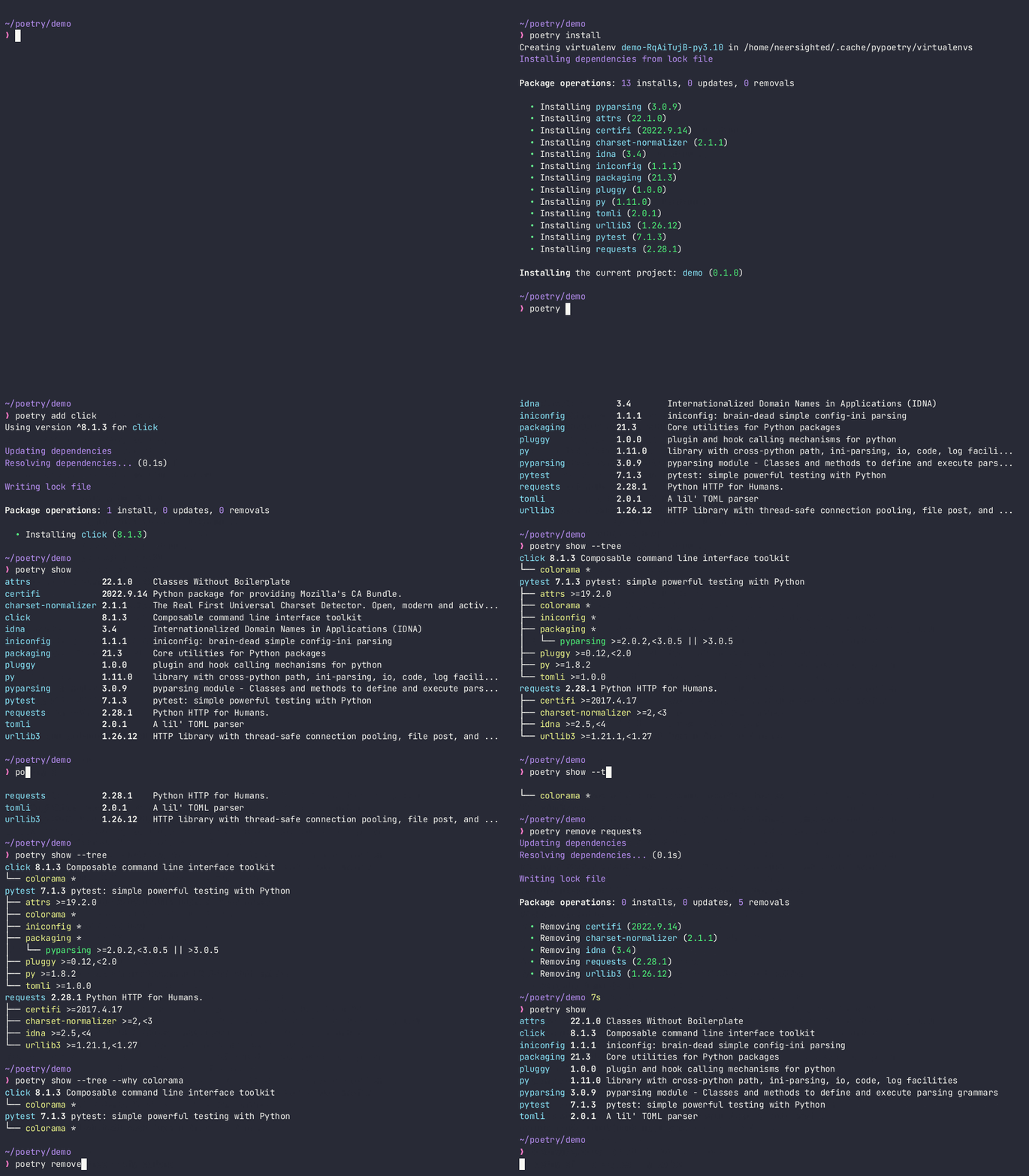
2. Create a New Project
Navigate to your desired project directory and run:
Replace project_name with your desired project name.
3. Add Dependencies
Move into your project directory:
Add dependencies with:
Replace package_name with the desired package. Poetry manages dependencies in pyproject.toml.
4. Install Dependencies
Install dependencies or update existing ones:
This creates a virtual environment for your project.
5. Run Your Project
Execute Python scripts within the Poetry-managed environment:
Replace your_script.py with your script's name.
6. Other Commands
- Update a package:
- Access the virtual environment shell:
Adding a Script
Modify the pyproject.toml file to include a script:
Run the development server with:
Additional Dependencies
Add Jupyter as a development dependency:
Modify pyproject.toml:
Code Formatting with isort and black
Install isort and black:
Configure in pyproject.toml:
Format code with:
Grouped Package Installation
Install a package in a group:
Modifying Python Version
Change Python version requirement in pyproject.toml:
Update dependencies:
Running the Project
Execute your project with:
Replace your_command_here with your actual command.
generate a requirements.txt file using Poetry
Poetry doesn't directly generate a requirements.txt file, but you can generate an equivalent file using the following command:
This command exports your project's dependencies into a requirements.txt file. Here's what each part of the command does:
-f requirements.txt: Specifies the format of the output file.--output requirements.txt: Sets the output file name.--without-hashes: Exports the dependencies without including the hash information for each package.
This command essentially creates a requirements.txt file that lists all the project dependencies along with their versions, making it similar to a standard requirements.txt file commonly used with pip.
Remember that this file generated by Poetry won't include any packages managed exclusively by Poetry (like development dependencies or direct URLs to packages). It mainly generates a simplified version of requirements that can be used with pip.
Run this command in the root directory of your Poetry-managed project, and it will generate the requirements.txt file based on your project's dependencies.
Configuring isort and black with Poetry
To maintain consistent code formatting and import organization in your Python projects managed with Poetry, you can configure tools like isort and black. Here's how you can integrate them into your Poetry workflow:
-
Create or open your
pyproject.tomlfile in the root of your project directory. -
Add the
[tool.isort]and[tool.black]sections along with the configuration settings:
-
Save the
pyproject.tomlfile. -
When you run
poetry installorpoetry updateto manage your project dependencies, Poetry will consider the configuration provided forisortandblack. -
Additionally, you can run
isortandblackdirectly with Poetry by usingpoetry runfollowed by the respective command. For example:
This will run isort and black with the configurations specified in the pyproject.toml file on your project files.
Adding optional dependencies
You can add optional dependencies in poetry by adding them in the extra packages (more here)
For example
[tool.poetry.dependencies]
python = ">=3.8.1,<3.12"
opencf-core = "^0.2.0"
generalimport = "^0.5.2"
numpy = = "^1.24.0"
opencv-python = {version = "^4.8.1.78", optional = true}
pillow = {version = "^10.3.0", optional = true}
pypdf2 = {version = "^3.0.1", optional = true}
imageio = {version = "^2.30.0", optional = true}


[tool.poetry.extras]
document = ["pdf2docx", "pypdf2"]
image = ["pillow", "imageio"]
Here, 4 dependecncies are kept otional. The command poetry install would not install them. To add all document dependancies, use poetry install --extras document If you have make it a python module, use, pip install mypackage[extras,...]
For example
This is different from the dev dependancies, and groups in general
Platform specific dependencies
anwers from this stackoverflow thread: platform-specific dependency alternatives?
Enjoy seamless Python project management with Poetry! Happy coding!