Skip to content

2024

Intermediate JavaScript Concepts: Bridging Theory and Practice

Introduction

Ready to take your JavaScript skills beyond the basics and delve into intermediate concepts?

Embark on a journey into the realm of intermediate JavaScript, where theory meets practice and foundational knowledge evolves into practical application. This guide is tailored for developers seeking to expand their understanding and proficiency in JavaScript, bridging the gap between beginner and advanced levels.

Overview

In this document, we will cover:

  • Intermediate data manipulation techniques for primitive and reference types
  • Asynchronous programming patterns and their implementation in JavaScript
  • Functional programming concepts and their relevance in modern JavaScript development
  • Object-oriented programming principles applied to JavaScript
  • Best practices for writing maintainable and scalable JavaScript code
  • Testing methodologies and debugging strategies for intermediate-level applications

By exploring these topics, you'll enhance your JavaScript proficiency and gain insights into the theoretical foundations and practical applications of intermediate-level concepts. Whether you're transitioning from beginner to intermediate or seeking to deepen your existing knowledge, this guide will equip you with the skills to tackle more complex JavaScript challenges with confidence.

Ready to elevate your JavaScript skills to the next level? Let's dive in!

Git File and Commit Operations: Managing Changes Between States

Introduction

Ever stared at your repo, wondering why a “small” change just won’t commit or push?

GUI tools like GitHub Desktop or VSCode extensions are convenient—but they hide the magic. When things go sideways, or when you need to carefully craft commits, stage parts of files, or undo a “tiny mistake” that isn’t obvious, the GUI often leaves you helpless.

Full CLI Git is where you gain real control. It’s the difference between:

  • Clicking buttons blindly and hoping everything works
  • Understanding exactly where each change lives (Working Directory, Index, HEAD, Remote) and moving it precisely

Even minor mistakes—like accidentally staging a debug log or overwriting a feature—can snowball into hours of frustration. By mastering the CLI, you can fix problems before they become disasters, cherry-pick changes, or sculpt your commit history like a pro.

Think of this guide as your toolkit: practical commands, clear flows between Git states, and actionable tips to tame your repo—even when the “small” fixes aren’t so small after all.

Comprehensive Guide to SSH: Tunneling, File Transfers, and Key-Based Authentication

SSH (Secure Shell) is a powerful protocol used for secure communication between computers, offering a wide range of functionalities including secure remote access, file transfers, and key-based authentication.

In this guide, we'll cover various aspects of SSH, including:

  • Port tunneling for secure access to services like MySQL.
  • Secure file transfer using SFTP and SCP.
  • SSH agent forwarding and key-based authentication for enhanced security.
  • Dynamic port forwarding (SOCKS proxy) for secure browsing.

Database Management CLI: Equivalence in MySQL, PostgreSQL, and MongoDB

Introduction

Database management and querying are critical tasks for developers and database administrators. This guide explores syntax equivalences in MySQL, PostgreSQL, and MongoDB, enabling you to transition seamlessly between these systems using their command-line interfaces (CLI).

Understanding the corresponding syntaxes in each database system facilitates code portability and collaboration among developers and administrators across different platforms.

Numerical Analysis and Plotting: Equivalence in Python, R, MATLAB, and Scilab

Introduction

Numerical analysis and data visualization are fundamental aspects of scientific computing across various programming languages.

Ybc7289-bw

This guide explores syntax equivalences in Python, R, MATLAB, and Scilab, empowering you to transition seamlessly between these languages for numerical computations and plotting tasks.

Understanding the corresponding syntaxes in each language facilitates code portability and collaboration among researchers and developers across different platforms.

Generating API Documentation for Your Python Package with Sphinx-apidoc

Introduction

In this guide, we will explore how to generate API documentation for your Python package using Sphinx-apidoc. Effective documentation is crucial for understanding, maintaining, and collaborating on software projects. Sphinx-apidoc is a tool that automates the process of creating documentation from docstrings within your Python codebase. Let's dive into the steps required to set up and utilize this tool effectively.

Security Practices for Authentication: A Guide for Developers

Introduction

In the realm of digital security, authentication plays a critical role in safeguarding user data and system integrity. However, implementing robust authentication mechanisms is often a daunting task, fraught with potential vulnerabilities and pitfalls. This guide aims to shed light on common authentication practices, highlighting both their strengths and weaknesses, while providing insights into best practices for developers.

Macro Syntax Error

File: blog/posts/software-and-tools/dev/OSX/docker/mastering-docker-comprehensive-guide-efficient-container-management.md

Line 426 in Markdown file: unexpected '.'

Use `--format` to customize output (e.g., `{{.ID}}` for IDs):

Publishing Your Python Project with Poetry

Are you ready to share your Python project with the world and make it accessible to users and developers alike?

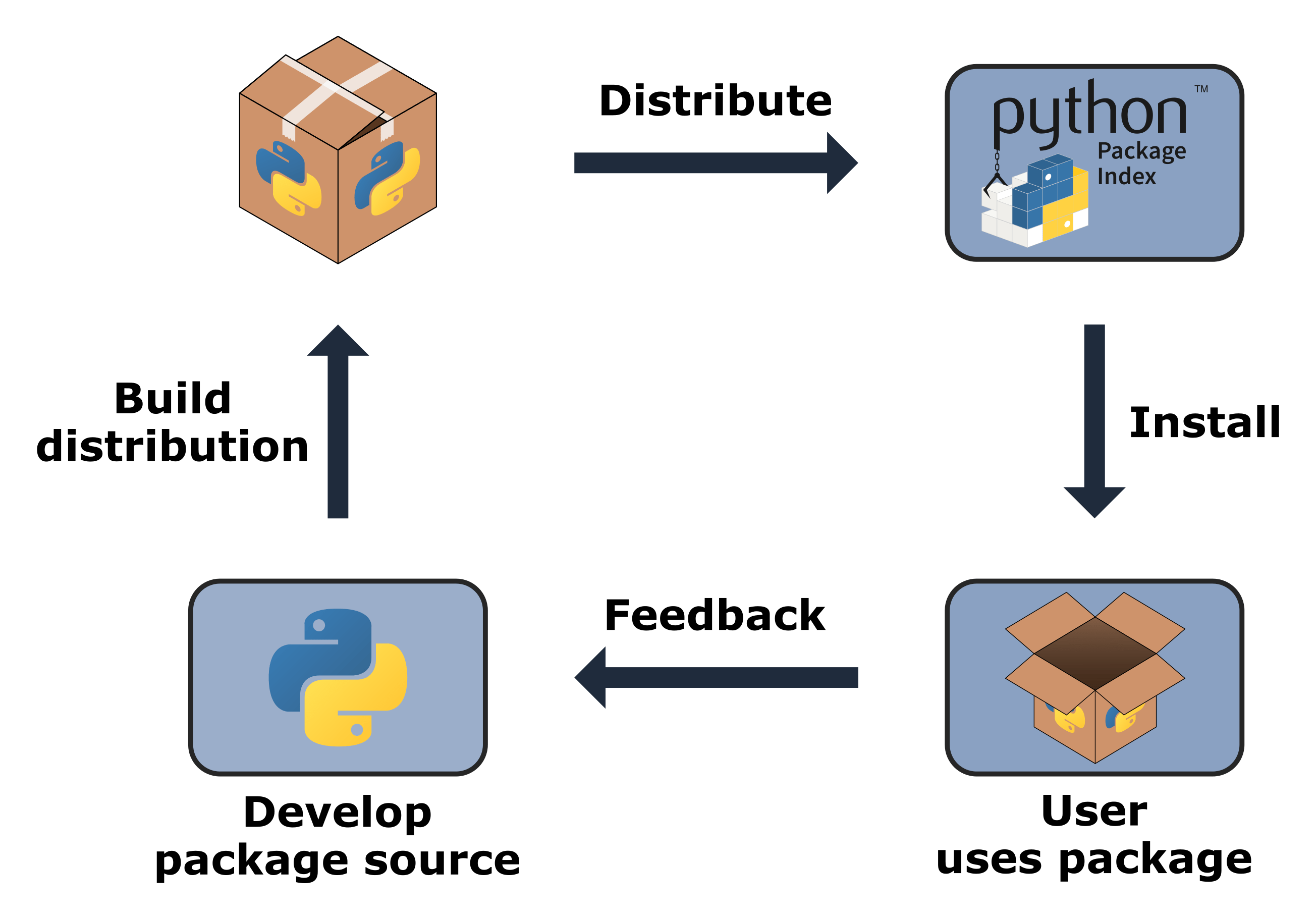
Publishing your work not only showcases your creation but also enables others to benefit from and contribute to your project. Discover the simplest way to publish Python projects using Poetry, a powerful dependency management and packaging tool.

In this guide, we'll walk you through setting up your project with Poetry and publishing it on both test.pypi and production PyPI.

Get ready to make your project accessible for testing and distribution. Let's get started!

How to Set Up Remote Desktop Access from Linux to Windows 10 Using Remmina

Org.remmina.Remmina

Remote desktop access has become an essential feature in today's digital landscape, allowing users to connect to their computers from anywhere. While Windows users have built-in options for remote desktop access, Linux users often need to rely on third-party applications.

In this guide, we'll explore how to set up remote desktop access from a Linux system to a Windows 10 machine using Remmina.